How to install
Windows
1. Start installer
- Double click the installer.
Windows smartscreen
The first time running the installer you may encounter the Windows smartscreen popup.
You can click the More info bubble and run the installer anyway.
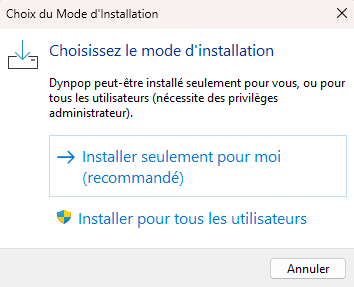
2. Choose installation mode
-
For most users it is recommended to install the app only for the current user. However, if you are encountering problems installing apps on your computer you can install for all users.
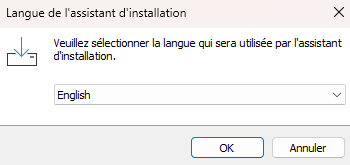
3. Choose language
-
Choose your preferred language to use with the setup Wizard.
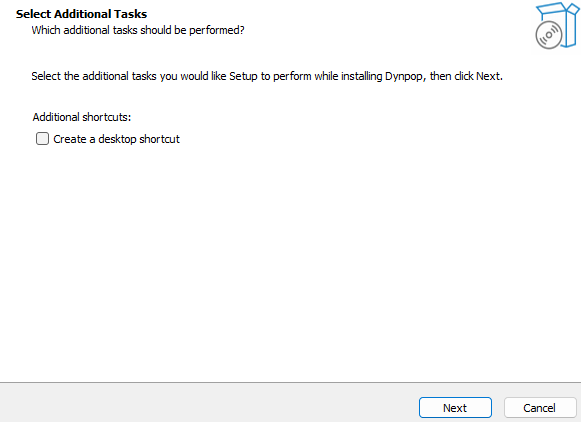
4. Additional tasks
-
If you want to create a desktop icon for the app just check the option otherwise leave the checkbox blank and click next.
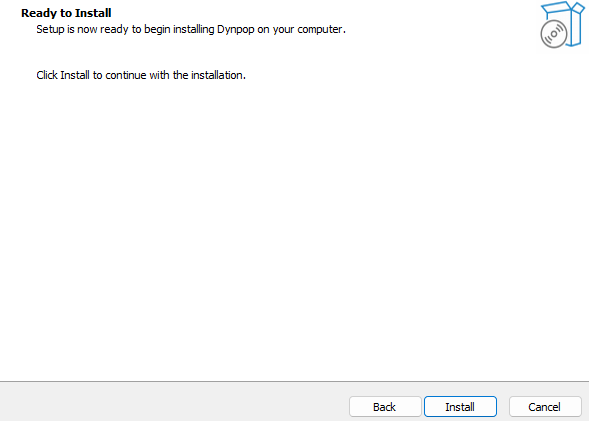
5. Install
-
Now just click install and let the Wizard do its magic.
Congratulations !
That's it ! you should be ready to setup your project now.